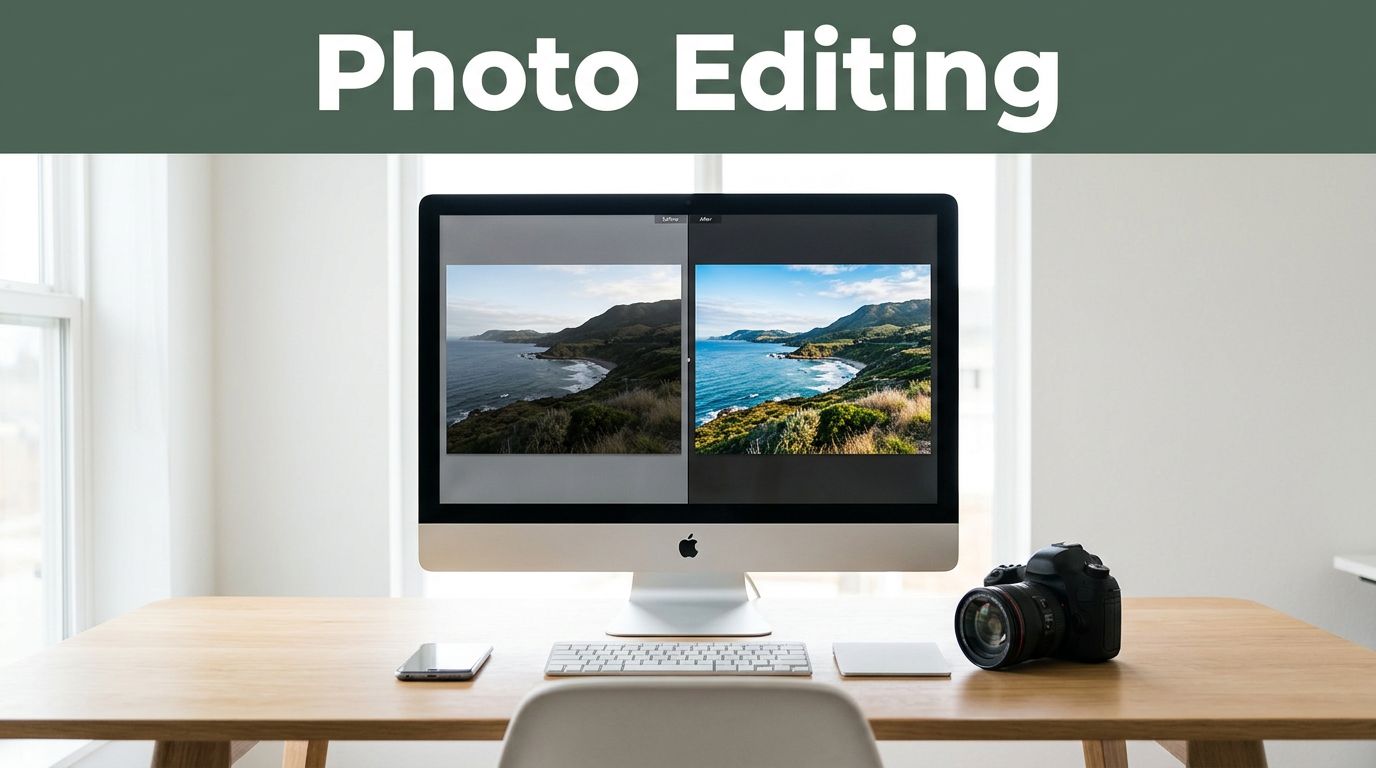
You snap a quick photo on your phone during a family picnic. The image looks flat, shadows hide smiles, and a random branch sticks into someone’s head. Then you open an app, tweak a few sliders, and suddenly that pic pops with warm light and sharp details. Everyone loves it.
Photo editing means using software to enhance or alter digital images. You adjust colors, fix flaws, or add style to make photos match your vision. It’s a game-changer because almost every pro image gets edited. Even smartphone shots benefit from it.
In this post, you’ll learn the basics of photo editing. You’ll see key reasons it matters and real-world uses across fields. Plus, check out easy tools, including 2026 AI trends that make it simple. Ready to turn your snapshots into keepers? Why not start today?
Breaking Down Photo Editing: From Raw Shot to Wow
Photo editing tweaks pixels in apps like Adobe Photoshop or free mobile tools. You start with a raw image from your camera. Then you improve it step by step. The goal stays simple: make it look better or fit a purpose.
Most edits follow a basic flow. First, import the photo. Next, crop and straighten it. Then adjust brightness, color, and contrast. After that, fix spots like blemishes. Finally, export the file.
AI helps now too. In 2026 apps, it spots issues and suggests fixes fast. For example, one click removes power lines from a sunset shot.
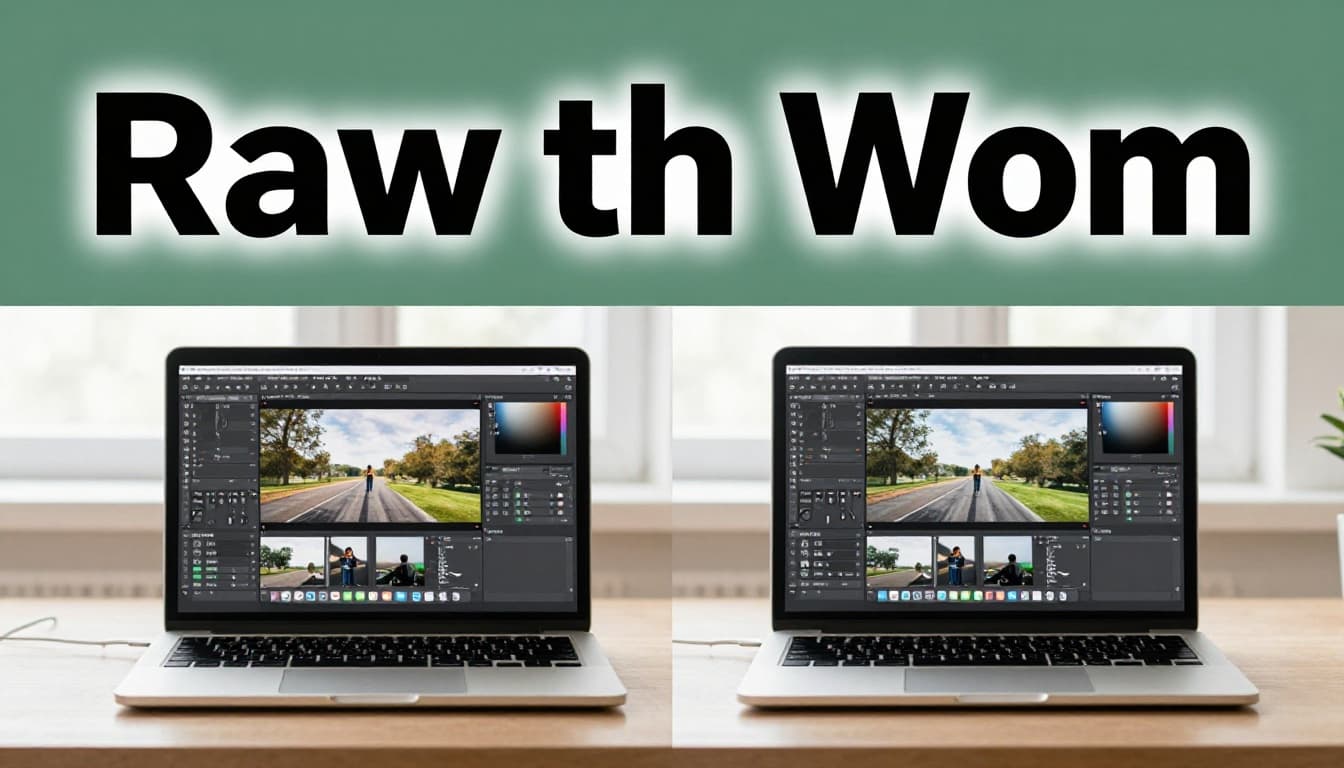
Common techniques include cropping to center the subject. Resizing fits social media posts. Color correction evens skin tones in portraits. Exposure tweaks balance light in vacations pics. Skin retouching smooths faces without faking it. Teeth and eye whitening brighten smiles. Background swaps clean up messy scenes. Red-eye fix cures flash glitches. Sharpening adds crisp details to fur or leaves.
These work on everyday photos. Think of a beach selfie with harsh shadows. Edit it, and the blue water glows. Or a pet portrait with dull fur. Sharpen it, and eyes sparkle.
For beginners, check this step-by-step guide for photo editing. It covers fundamentals like contrast tweaks.
The Simple Steps Every Editor Follows
Editors use a clear process. It builds pro results layer by layer. Start with step one.
Import your photo into Lightroom or a free app. This loads it for work.
Crop and rotate next. Straight lines draw eyes to the subject. Remove extra edges.
Global adjustments come third. Slide exposure for brightness. Boost contrast for pop. Fix white balance so colors stay true.
Local edits follow. Use brushes for spots. Dodge to lighten faces. Burn to deepen shadows.
Save last in JPEG for web or PNG for clarity. Each step refines the image. You avoid overdoing it because changes build slow.

A before-and-after shows the power. Dull office shot turns vibrant after these tweaks.
Everyday Techniques That Make a Big Difference
Techniques shine on real photos. Here’s a quick look at top ones.
| Technique | What It Does | When to Use | Quick Example |
|---|---|---|---|
| Cropping | Cuts edges to focus | Busy backgrounds | Family pic; center smiles |
| Resizing | Changes dimensions | Social posts | Square for Instagram |
| Color Correction | Evens tones | Uneven light | Portrait skin looks natural |
| Exposure Adjustment | Balances light | Dark or bright shots | Vacation sunset glows |
| Skin Retouching | Smooths flaws | Portraits | Blemish-free face |
| Background Swap | Replaces backdrop | Distractions | Pet with clean sky |
| Sharpening | Adds detail | Soft images | Fur pops in dog photo |
AI aids like one-click removal zap trash cans fast. Beginners love these. They turn phone snaps into shares.
See more simple steps to edit like a pro.

Why Photo Editing Turns Good Shots into Great Ones
Editing fixes camera limits. Bad light or distractions ruin shots. You correct them easy. It spotlights what matters. Plus, it adds mood and style.
Cameras miss perfect conditions. Overcast skies wash out color. Editing brings back vibrance. Cropping hides poles or crowds. As a result, your subject stands out.
It boosts appeal too. Edited family pics get more likes. Products look tempting for sales. In short, it tells a better story.
Stories from users show this. One mom edited a blurry kid photo. Warm tones made it emotional. Shares doubled.
Fix Mistakes and Spotlight What Matters
Errors happen. Wrong exposure darkens rooms. White balance tints skin yellow. Distractions like wires pull focus.
Fix exposure first. Slide it up for light balance. Correct white balance for true colors. Crop distractions away. Selective brightening highlights faces.
Example: Beach shot with trash. Remove it, brighten waves. Eyes go to the surfer now. Clean and pro.
Shape Emotions and Match Your Vision
Colors set mood. Warm tones feel cozy. Cool ones look modern. Contrast adds drama.
Tweak hues for sunsets. Boost saturation slight. Textures sharpen emotion.
A food pic gets appetizing with vivid reds. Your style shines through. Match vision every time. Read why it matters for photographers.
How Photo Editing Powers Pros in Every Field
Pros rely on editing. It perfects images for trust and sales. Advertising uses it for flawless products. Fashion pops details like fabric shine.
Real estate brightens rooms. Food amps colors for hunger pangs. Social media builds brand looks. Nature gets subtle boosts for wildlife fans.
Take ads. A watch shot needs gleam. Edit adds it without fake. Sales climb.
Fashion: Skin smooth, eyes bright. Models dazzle.
Real estate: Windows glow, spaces wide. Buyers envision homes.
Food: Greens fresh, meats juicy. Menus sell more.
Influencers keep feeds consistent. Colors match across posts.
Hobbyists edit wildlife. Sharpen feathers, balance light. Prints wow.
Editing builds trust. Viewers sense care. It works universal because images tell stories.
Easy Tools and AI Tricks Making Editing a Breeze in 2026
Start simple. Lightroom handles basics like exposure and clarity. Photoshop suits advanced layers.
Free picks include GIMP or mobile apps like Snapseed. They crop and fix fast.
2026 AI trends speed it up. Tools auto-enhance with natural looks. Object removal zaps distractions in seconds. Text prompts swap skies or clothes.
Popular ones: Luminar Neo for landscapes, with Relight AI. Topaz Photo AI denoises shots. GlobalGPT offers clothing swaps cheap.
Pros: Quick pro results, even for newbies. Cons: Watch over-editing; keep it real.
Tips: Download Lightroom mobile. Practice on phone pics. Batch edit groups.
Check best AI photo editors for 2026.

Key Takeaways on Photo Editing
Photo editing enhances digital images with software. It fixes flaws, sets mood, and fits visions. That’s why it’s important across hobbies and pros.
Every great image gets edited. From family snaps to ads, it elevates work.
Grab Lightroom today. Edit your next pic. Share what you create. What shot will you transform first?