Picture this. You grab your new camera for a family picnic. Kids run around, sun shines bright, but your shots come out blurry or too dark. That’s auto mode at work, guessing the settings. Switch to manual later for a landscape hike, and suddenly colors pop with sharp focus.
Auto mode lets the camera pick aperture, shutter speed, and ISO for you. Manual mode puts you in charge of those same settings. This guide covers how each works, their strengths and weaknesses, direct comparisons, best uses, and fresh 2026 AI updates. You’ll finish knowing exactly when to dial in manual for standout photos.
How Auto Mode Works and Why Beginners Rely on It
Auto mode scans your scene fast. It reads light with a built-in meter. Then it picks aperture for depth, shutter speed for motion, ISO for brightness, and even flash if needed. Shot after shot, it tweaks for proper exposure.
Beginners love this because it removes guesswork. You point, shoot, and get decent results in even light. Think quick snaps at birthdays or street scenes on vacation. No menus, no fuss.
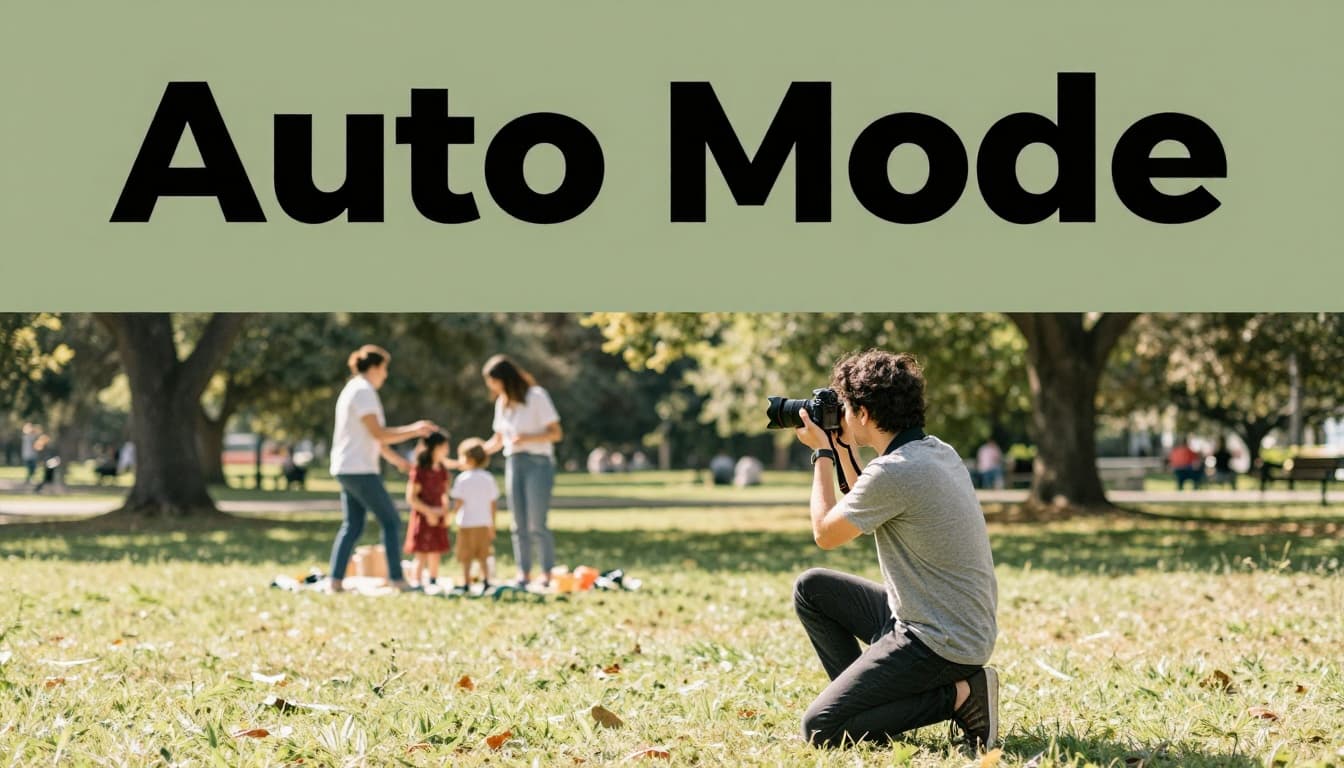
However, it falters in tough spots. Backlit portraits underexpose faces. Fast kids blur despite the action. Flash pops up unwanted at dusk.
The Good and Bad of Hands-Off Shooting
Auto shines for speed. You capture moments without delay, perfect for events or learning basics. It handles simple scenes well, so you focus on framing.
Yet it lacks creativity. No bokeh backgrounds for portraits. Motion stays frozen wrong sometimes. Plus, many cameras lock to JPEG, skipping RAW edits.
Here’s a quick pros and cons breakdown:
| Aspect | Pros | Cons |
|---|---|---|
| Ease | Point and shoot, no thinking | Limited creative options |
| Speed | Instant for events | Inconsistent in mixed light |
| Learning | Builds confidence early | No depth of field control |
| File Output | Quick JPEGs ready to share | Often no RAW support |
This table shows why auto suits casual use. For deeper control, check camera modes explained. In short, it gets you started right.
Manual Mode Demystified: Take Full Control of Your Shots
Manual mode flips the script. You set aperture, shutter speed, and ISO yourself. The camera meters light to guide you, but final calls are yours. This forms the exposure triangle.
Why bother? Consistency rules. Bracketed shots match perfectly. Create silky waterfalls with slow shutters or isolate subjects with wide apertures. Low light stays clean without high ISO noise. Most cameras allow RAW files too.
The learning curve exists. Action shots slow down because you adjust dials. Light changes mean re-metering. But practice turns it rewarding, like shifting gears in a stick-shift car versus automatic.
Start simple. Use it for static subjects first. Food on a table or flowers in shade. Meter once, lock in, and shoot series.
Mastering the Exposure Triangle in Practice
Aperture controls depth of field. Go wide like f/2.8 for creamy portrait backgrounds. Narrow to f/11 for sharp landscapes edge to edge.
Shutter speed freezes or blurs motion. Pick 1/1000 for sports; try 1/4 second for light trails at night.
ISO boosts sensitivity. Keep it low at 100 for daylight clarity. Crank to 3200 indoors, but watch for grain.
Food shots work great to practice. Set aperture for texture pop, then tweak shutter and ISO off the meter. Soon, you’ll predict exposures intuitively. Resources like shooting in manual mode guide offer step-by-step help.
Auto vs Manual Head-to-Head: Spot the Real Differences
Auto prioritizes speed over precision. It guesses settings per frame, which works in steady light but varies otherwise. Manual demands skill yet delivers exact repeats.
Creativity sets them apart most. Auto rarely blurs backgrounds or water. Manual unlocks those effects on demand.
Exposure handles differently too. Auto fights backlighting with flash; manual lets you expose for highlights and recover shadows in post.
File quality follows. Auto often sticks to JPEG. Manual opens RAW for edits.
| Feature | Auto Mode | Manual Mode |
|---|---|---|
| Control Level | Camera decides all | You set everything |
| Consistency | Varies shot to shot | Exact repeats possible |
| Creativity | Basic effects only | Full bokeh, motion blur |
| Speed | Fastest for action | Slower adjustments |
| Best For | Casual, events | Landscapes, products |
This comparison highlights goals. Quick memories? Auto. Pro looks? Manual. See aperture priority vs manual modes for semi-auto bridges.
When to Switch to Manual for Pro-Level Results
Stick to auto for family gatherings or even sunsets. Light stays predictable.
Go manual for landscapes. Dial in f/11, low ISO, and a tripod for tack-sharp vistas.
Low-light concerts demand it. Meter the stage, lock settings, avoid noise.
Product shots repeat best manually. Meter once, shoot multiples.
Try aperture priority first as a step up. It holds your depth choice while auto picks shutter. Then meter and switch to full manual for batches. That technique nails consistency fast.
2026 Trends: AI Blending Auto and Manual Smarter
AI changes everything this year. Cameras now recognize scenes like pets or stars in auto mode. They adjust exposure, focus, and color on the fly.
In auto, AI autofocus predicts motion for sports or wildlife. It tracks eyes or animals with magic-like accuracy. Low light gets natural colors without noise.
Manual users gain too. AI prevents focus errors or exposure slips while you create. Real-time processing blends exposures for wide dynamic range.
Hybrids suggest tweaks. Apps guide exposure triangles live. Canon pushes AI for breakthroughs, per recent talks. Check AI cameras 2026 features for scene understanding details.
Beginners need manual less now. Pros still crave control. Both evolve for sharper shots easier.
Auto offers ease for everyday snaps; manual gives creative power. Start with auto at that next picnic, then test manual on a still-life setup.
Share your mode wins in the comments. Which tip will you try first? Better photos await when you mix both wisely.