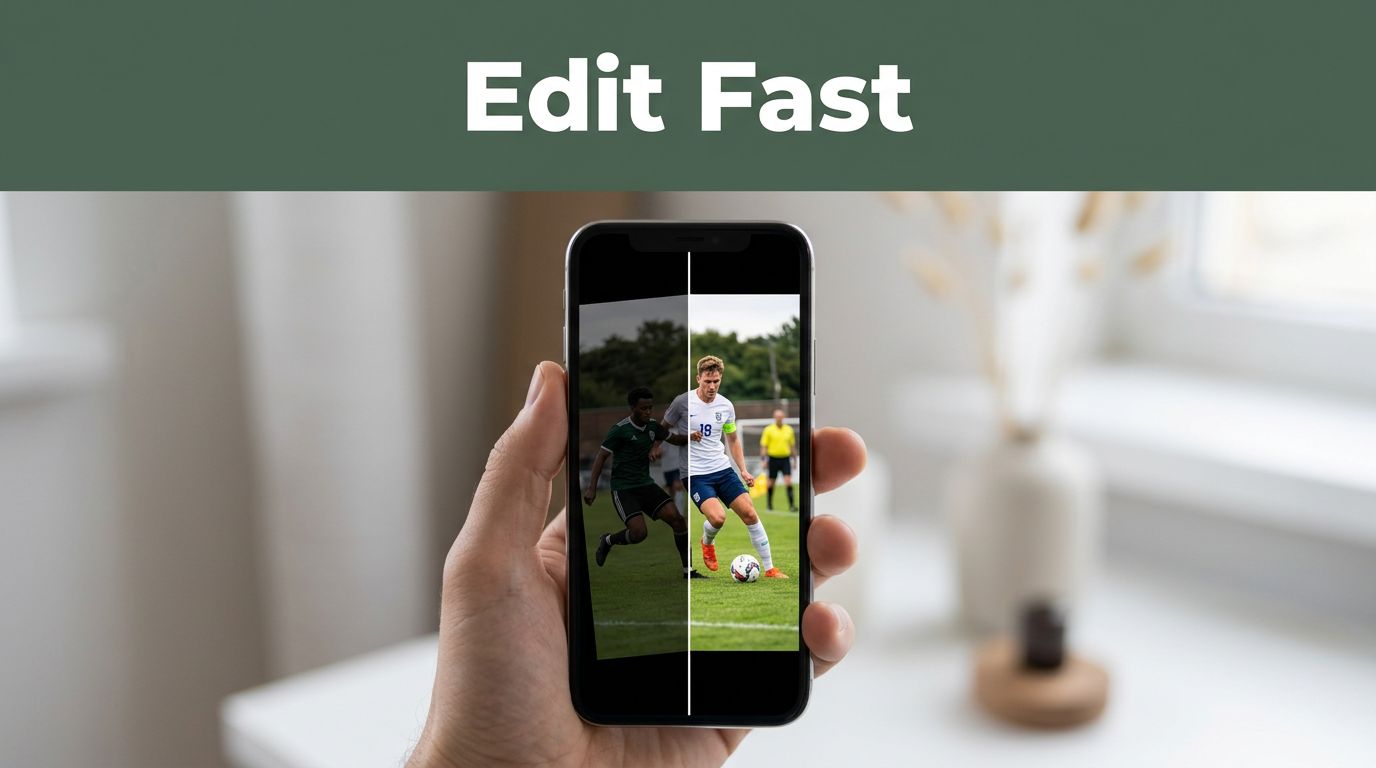
You snap a photo of your kid’s soccer game. It turns out dark and crooked. Five minutes later, with a free app, it pops with bright colors and perfect framing. Simple photo editing for beginners fixes those everyday shots fast.
Everyone shares photos on social media or in family albums. Dull images kill the fun. These tools build your confidence without steep learning curves. You’ll cover Snapseed, Polarr, Pixlr, Canva, and GIMP. First pick a tool. Then master basics like cropping and lighting. Next add colors and filters. Finally save and share. Grab one photo now. Follow along, and edit your first image in under 10 minutes.
Pick the Best Free Tool That Fits Your Phone or Computer
Start with the right app. In 2026, beginners in the US love free options like Snapseed for phones. Polarr and Pixlr work in browsers. Canva suits quick designs. GIMP handles desktop power. These beat paid software because they skip ads and complex menus. Many include AI for one-click fixes.
Choose by device. Phones need mobile apps for on-the-go edits. Computers or browsers fit no-download workflows. Snapseed leads trends with pro tools minus hassle. Polarr keeps interfaces clean. All stay free for basics.

Snapseed: Your Go-To Mobile App for Instant Fixes
Snapseed shines as Google’s free app for iOS and Android. No ads or sign-ups slow you down. Crop, rotate, and tweak brightness with sliders. Shadows and contrast adjust in seconds. The healing brush zaps blemishes.
Presets add HDR effects fast. Selective edits target spots only. It handles RAW files too. Download from your app store. Open a photo. Tap Tools. Try Tune Image first. Beginners feel pro results quick. For detailed steps, check this Snapseed editing guide.
Polarr and Pixlr: Web Editors for Quick Browser Access
Polarr offers clean sliders for exposure and contrast. Presets deliver one-click moods. Crop stays simple. No downloads needed on phones or computers. Free version covers starters well.
Pixlr adds autofix buttons. Filters and overlays bring fun. It runs on iOS, Android, or web with minor ads. Open your browser. Upload a photo. Hit Auto for instant boosts. Both suit quick sessions. Polarr edges out for basics, as one user shares in these Polarr tips.
Canva and GIMP: Extra Options for Creativity and Power
Canva excels at drag-and-drop for social posts. Templates, filters, and text overlays mix easy. Browser-based keeps it simple.
GIMP provides free desktop edits like layers. It runs on Windows, Mac, or Linux. Start with basics before layers. Canva fits text fun. GIMP grows with you. Pick Snapseed first if unsure. Test one today.
Nail the Basics: Crop, Straighten, and Adjust Lighting Fast
Basics transform shots across tools. Open your photo. Find the crop tool. Trim edges to focus the subject. Straighten crooked lines. Then sliders fix lighting. Small tweaks yield big wins. Overdo it, and photos look fake. Stick to subtle changes.
These steps work in Snapseed or Polarr. Preview often. Undo if needed. Results stun friends.

Crop and Straighten to Frame Your Subject Perfectly
Cropping cuts distractions. It follows the rule of thirds. Place key elements off-center for punch.
Select crop in Snapseed. Drag corners. Straighten rotates horizons level. Apply. A vacation pic loses empty sky. Focus shifts to waves. Pixlr mirrors this. Results feel pro. See more in this beginner photo editing guide.
Brighten and Balance Lighting with Simple Sliders
Dark photos need brightness boosts. Slide up 20 percent first. Contrast adds pop. Shadows lift details. Highlights tame bright skies.
In Polarr, exposure at +0.3 works. Pixlr’s autofix guesses right often. Snapseed shadows slider recovers faces. Check before and after. Lighting balances make shots alive.
Boost Your Photos with Colors, Filters, and Fun Touches
Basics done? Add flair. Color sliders warm tones. Filters set moods like vintage. Healing removes spots. Preview changes. Experiment lightly.
Snapseed curves fine-tune. Polarr presets speed it. AI trends like sky swaps appear in apps. Keep it fun, not fussy.
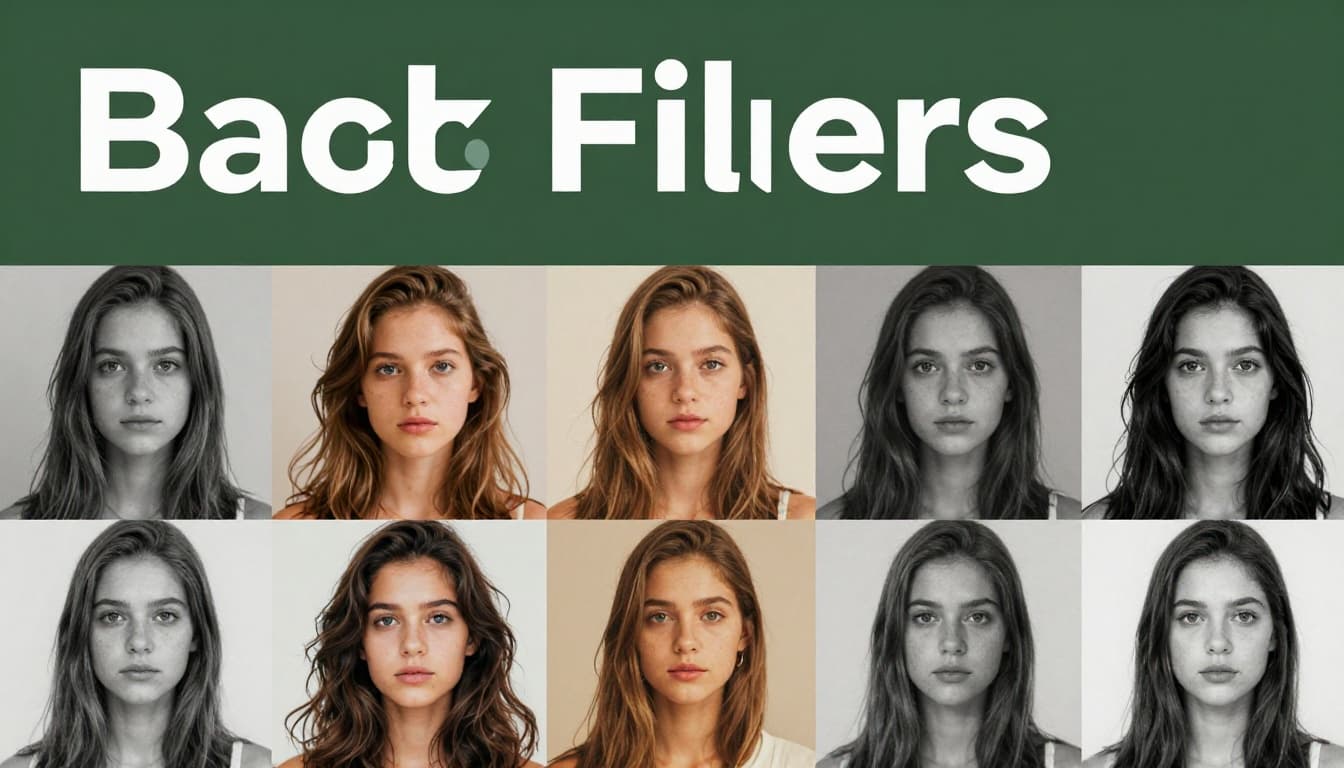
Tune Colors and Add Filters That Wow
Saturation boosts vibrance. White balance fixes tints. Slide saturation 15 percent for punch.
Filters in Polarr add black-and-white drama. Pixlr offers vintage packs. Try warm for sunsets. Snapseed presets stack easy. One filter changes everything.
Free apps pack options, as listed in this 2026 roundup.
Remove Blemishes and Add Creative Sparks
Healing brushes clone clean skin. Snapseed taps spots away. GIMP clones precisely.
Canva removes backgrounds. Add stickers or text for laughs. One edit per photo keeps it simple. Fun sparks engagement.
Save Your Edits Right and Share with Confidence
Export smart. JPEG suits web shares. PNG keeps transparency. Match resolutions to platforms. Instagram likes 1080 pixels wide.
Save originals first. Most tools allow non-destructive work. Avoid huge files. They slow uploads.
Share on Instagram or chats. Practice three photos. Pitfalls like wrong formats blur results.
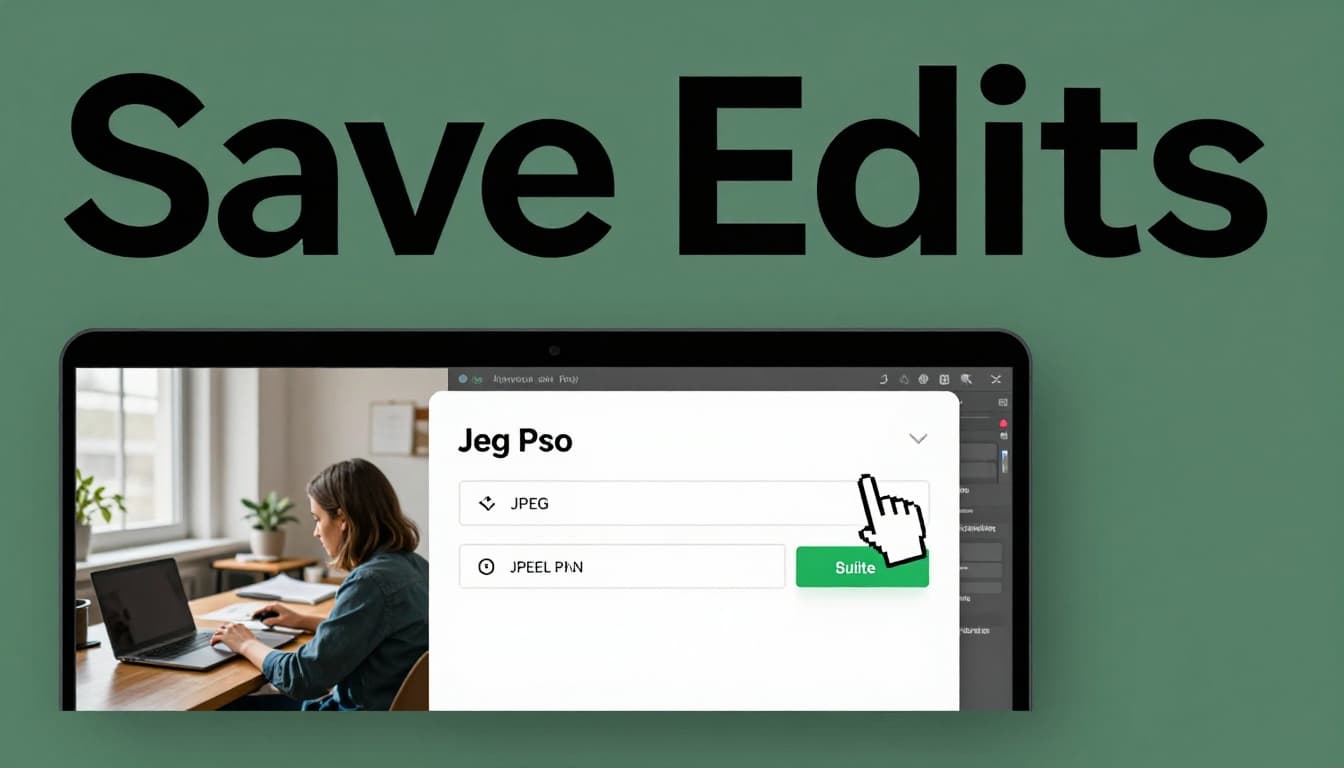
For social tips, follow these export settings.
You now handle crop, lighting, colors, and saves with Snapseed or others. Practice turns anyone into an editor.
Edit that soccer photo today. Share your before-and-after in comments. What tool clicked for you? Try advanced filters next. Simple steps spark joy in every shot.